ANNOUNCEMENTS
ANNOUNCEMENTS
WEEKS:
1
2
3
4
5
6
7
8
9
10
11
12
13
14
15
WEEK 2
1. Free fonts

https://fonts.google.com
https://www.1001fonts.com
https://www.fontsquirrel.com/


2. Grid

A grid system in graphic design uses a two-dimensional framework to align and lay out design elements. Breaking down a single design space into a grid can help position individual components in ways that can organize content, catch the eye, create a user flow and make information and visuals more appealing and accessible to audiences.
Video Grid is very useful


Types of layout grids:
- Column Grids are used for magazines to organize content in columns so it is easier to read.

- Rows are horizontal spatial zones that fit fully from the left to right margin.

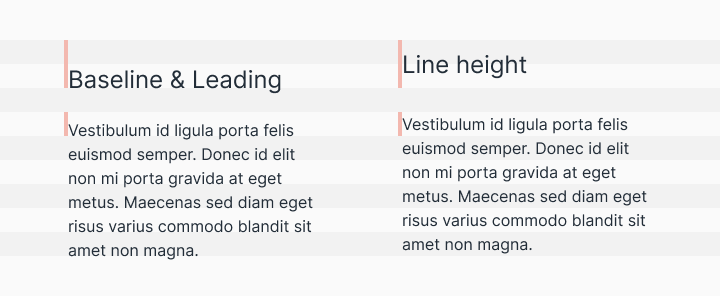
- Baseline Grids are a bit more technical and are defined by the line in which the text sits. This grid creates a good reading rhythm for any design with lots of text.
- Modular grids are like a checkerboard that can display many things for easy access.

A Quick Look at Types of Grids


3. TYPOGRAPHY BOOKLET PROJECT
- Starting the book

- PART: Cover
Due for Sketches: 9/14
Due for InDesign work: 9/16

- PART: Anatomy of Letterform Diagram (Page 1)
(Due: 9/14)


4. Learning InDesign - continuation
- Exploring the workspace
- Managing panels
- Adding new pages, deleting pages
- Creating guides
- Numbering pages
- Edit content: working with text and images
- Saving files

STUDY


Typography

- Class materials - Article 15 reasons why a grid based approach will improve your designs
- Article A Quick Look at Types of Grids
- Video A Little Bit About Grids For Graphic Design and Typography
- Video Grid Systems in Web & UI Design

LEARN INDESIGN


Learn and practice InDesign

- Document Setup | Page Size, Margins and Bleed – detailed explanation
- Custom Workspace in Adobe InDesign
- Adding pages to your document
- Parent (Master) pages (including page numbering)
- Saving InDesign document
- Saving document as PDF

DO & SUBMIT


Typography Booklet Project

1. Choose a subject for the content of the book and write one-two paragraphs of related information in Word doc.
Save it in your dropbox
Example

2. Make not less than 4 good sketches for the cover in your sketchpad (do not make them too small, two sketches for a page is good).
Bring them to class for discussion.
Sketches example
Sketches example 2 (no images)

3. InDesign Work:
- Start the book
- Anatomy of Letterform Diagram page
Start working on the Anatomy of Letterform Diagram part. (Due 9/16)
It has to be on the second page with page number 1 (the first page is for cover)
Save the file as InDesign and as PDF
Put both files into the dropbox
Note
Use a common font to be sure it can be found in any computer.